
imSim
AI Robot Adaptation & Validation Arena
We are an AI Robot Adaptation & Validation Arena — we adapt your robots and AI to your tasks and physically score them on standard scenarios.
No sign-upRead a robot file nowView a result file sampleAll try-it pages
Simulation view · Urban patrol flight
What you can do
What brings you here
Pick what you want to do to see its flow, what you receive and how to use it.
Test whether it gets the job done
Scores whether the robot or AI completes the task, using the same scenarios and real physical values.
Connect your AI to the same tests
Your AI stays on your server and connects to the test. Results are placed side by side with the baseline.
AI connection is open now; running with your AI opens to invited members first.
Upload your robot
One robot settings file goes through automatic checks and onto the same tests.
Upload from the portal is in preparation — for now, this is done through a custom validation request or a joint pilot test.
Adapt to your task
A workflow that collects demonstrations into training data, trains further, then re-scores on the same test. Whether adaptation is included, and its scope, are agreed in a joint pilot test.
Inclusion and scope of adaptation: agreed in a joint pilot test
Your site as a test environment
Builds test environments from digital maps, building drawings and site design files.
Test under hazard · disturbance conditions
Adds sensor faults, GNSS error, communication loss, weather, people and obstacles to the same scenario.
Generate training data
Exports test recordings (robot cameras, state, actions) in training data formats.
Not sure
where to start?
Domains
What is tested in each domain
Pick a domain to see its tests, the conditions you can apply and how to use it.
Features
imSim at a glance
Features grouped by the five parts that make up a test and the foundation beneath them.
Test subject
Robot · AI to test
- Robot arm manipulation
- Mobile robot navigation
- Multi-robot operation
- Drone · aircraft flight
- Humanoid · legged robots
- Register a robot with one settings file
- Learned policy execution · reinforcement learning
- External AI connection
- Perception · motion planning
- Real robot integration · calibration
- Task adaptation workflow
- +6 more
Test environment
Where to test
Scenario
Task to perform
Conditions
Conditions you can apply
Verdicts
Scoring method
- Pass · Caution · Fail · Inconclusive
- Score revocation gate
- Same scoring across robot models
- Pass criteria definition
- Safety monitoring
- Standard clause verdicts
- Scorer self-check
- Test subject verification
- Tamper-evident log
- Measurement scope · adaptation involvement disclosure
- Reports · measurement confidence
- Defect inspection scoring
- Equipment operation vs. spec validation
- Predictive maintenance
- +9 more
Run · connection
The foundation behind every test
- Physics engine runs
- Cross-check with another physics engine
- Run distribution · on-premises installation
- Organization · role permissions
- Live video
- ROS2 integration
- Training data export
- Delivery fleet control · virtual driving
- Equipment operations screen · remote support
- Equipment definition · asset format conversion
- +4 more
Public results
We publish tests run in simulation
with video · verdict · evidence
5 robot arms × 4 in-house standard tests. For every test you can see trial videos and the reasons for the verdict without signing up. Delivery robots, Drones, Humanoid · legged, Equipment operations are shown in the result examples below. Results for other domains are delivered in the same format to those who request them.
0
Verdicts
0
Pass
0
Caution · Inconclusive
0
Fail
Measured 2026-10-10 ~ 2026-10-11 · verdict rules v2.3b-2026-10-04 · baseline results with the imSim baseline controller
Open results boardRobot \ test
Position accuracy
Pick and place
Fixed position
Pick and place
Find by itself
Part insertion
Panda
Franka
UR10
Universal Robots
PiPER
AgileX
Gen3
Kinova
TM12
Techman
Your robot · your AI
The same 4 tests, scored by the same rules
Example results by domain
These tests were run by imSim itself. Video, verdict, evidence and limitations are available on each domain page.
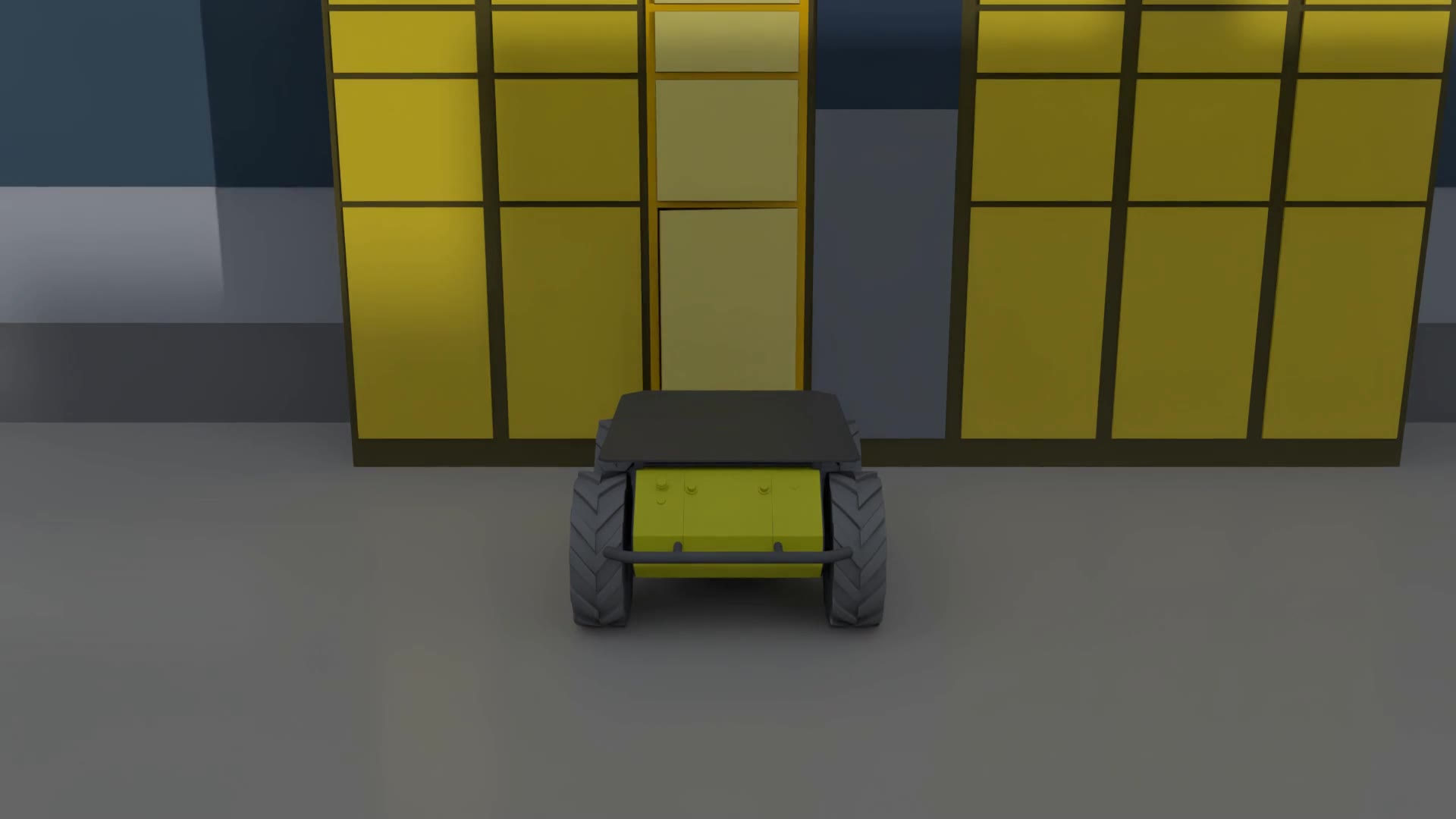 Simulation view
Mobile robots · delivery
Precision stop at parcel locker
Measured on 2026-10-12
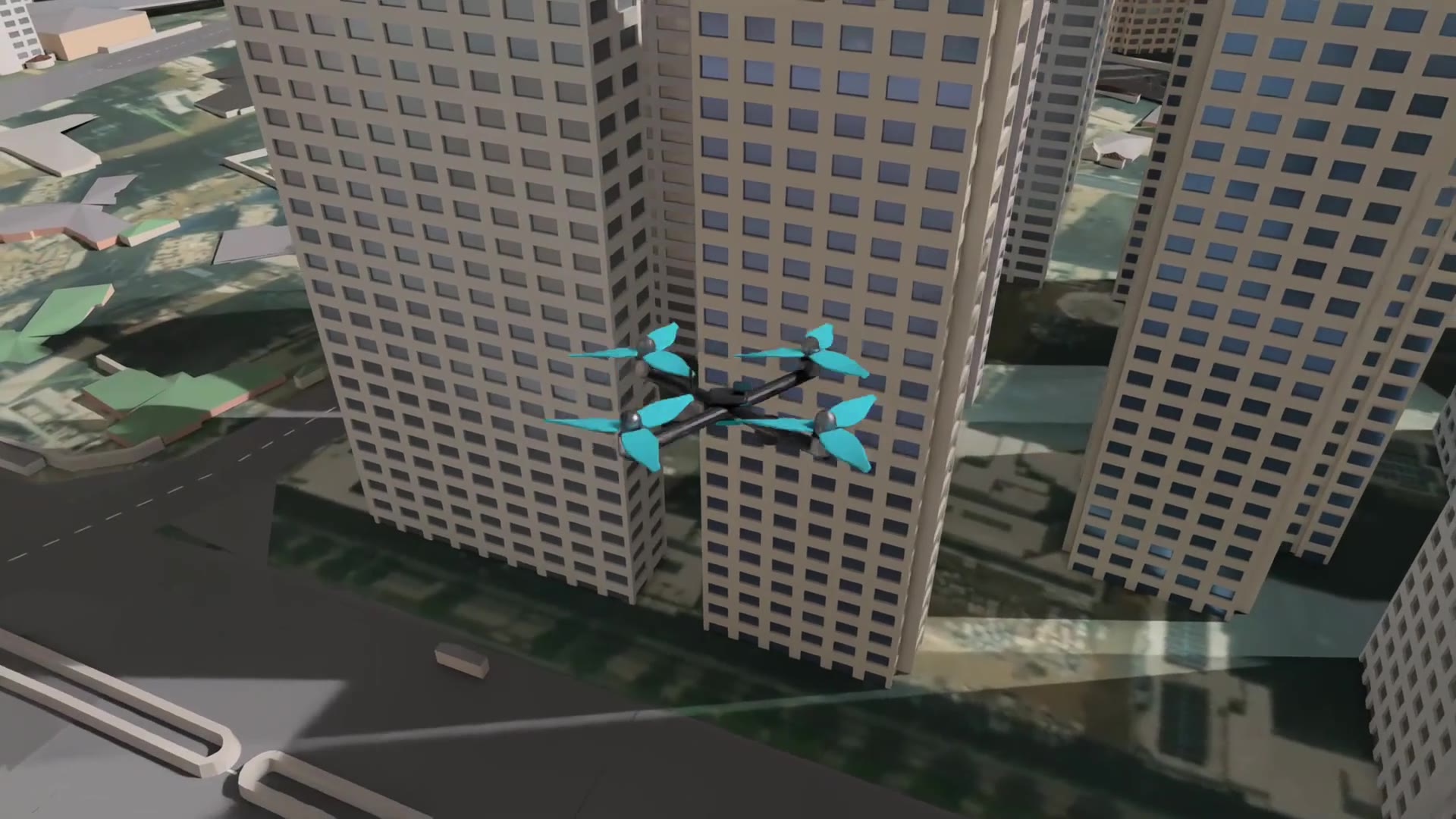 Simulation view
Drones · aviation
Urban patrol flight
Measured on 2026-10-12
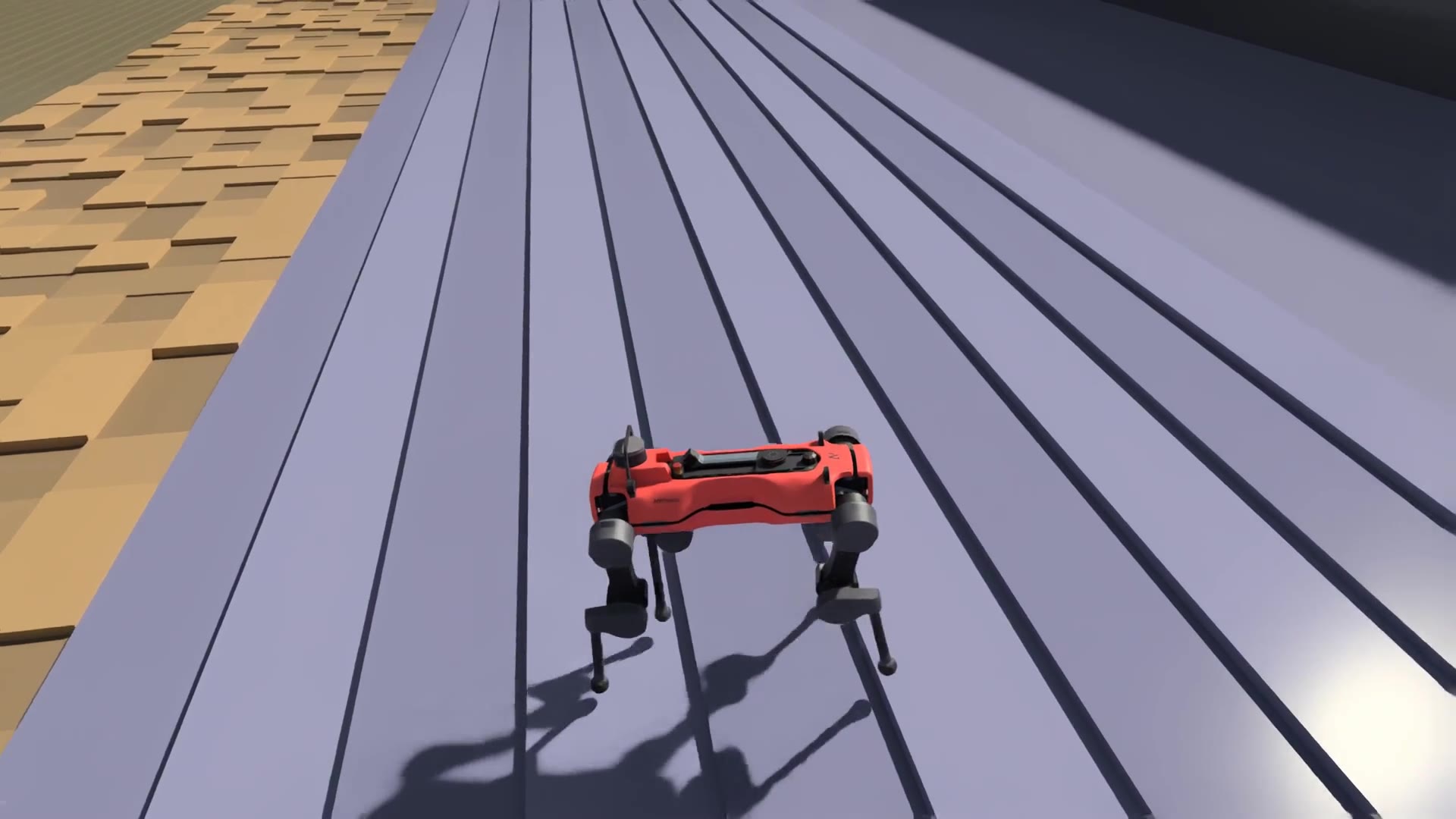 Simulation view
Humanoid · legged robots
Legged robot terrain course completion
Measured on 2026-10-13
Humanoid · legged robots
Terrain course completion by robot mass step
Measured on 2026-10-13
Equipment · facility operations
Bearing failure early warning
Computed on 2026-10-12
Verdict method
Five stages of a test
Tests follow this flow.
- 1
Register test subject
- 2
Task · conditions · pass criteria
- 3
Run physics simulation
- 4
Verdict per item
- 5
Results and limitations
Safeguards that make results trustworthy
These are the safeguards against embellishing or blurring verdicts that have been confirmed by measurement. Under each item are the domains that use it.
Get started
How to use
There are five ways, from just viewing to installing on your premises.
01
View now
View videos, verdicts and evidence of public results without signing up.
Robot arm
02
Invited members first
Self-service run
Members pick from ready robots and tests, run them themselves and get the results.
Robot arm
03
Custom validation request
Send a request form and imSim tests, scores and delivers the results.
04
Joint pilot test
One joint validation and report, using one of your robot models and one task.
05
On-premises installation
Installed on-premises so data and results never leave your company.